Disclosure: We earn a commission on purchases made through links on this page, at no extra cost to you. Learn more.
The keyboard you got with your computer is almost certainly a membrane keyboard. You have been using one for years. It works. It does the job. And every time you read about mechanical keyboards online, the people who own them sound like converts to a religion you do not need to join.
The truth is more boring and more useful. Mechanical keyboards are better at some things, worse at others, and the right choice for your home office depends on how much you actually type, what your apartment's walls are like, and whether you share your space with anyone who has to listen to your keystrokes.
The Mechanical Difference
The core difference is what happens under each key.
Membrane keyboards use a flexible plastic sheet with electrical contacts underneath each key. Pressing a key collapses the membrane and completes a circuit. The motion is mushy because you have to press the key all the way down to register the keystroke.
Mechanical keyboards have a separate spring-loaded switch under each key. The switch registers the keystroke at a specific actuation point — usually about halfway down — so you can type quickly without bottoming out each key. The switch is rated for 50–100 million keystrokes, where membrane sheets typically degrade after 5–10 million.
Where Mechanical Wins
- Typing speed and accuracy for heavy typists. Once your fingers learn the actuation point, you can type faster with less effort. Most users gain 10–20% speed within a month.
- Tactile feedback. You can feel when a keystroke registers. This reduces the "did that key actually press?" uncertainty that membrane users learn to live with.
- Durability. A quality mechanical keyboard outlasts three or four membrane keyboards. Over a decade, mechanical is cheaper per year of use.
- Repairability. Switches can be replaced if one fails. With membrane, when the keyboard goes, the whole keyboard goes.
- Customization. Switch type, keycap material, layout — every choice changes how the keyboard feels. This is fun for some people and irrelevant for others.
Where Mechanical Loses
- Noise. Even "quiet" mechanical switches are noisier than membrane. Clicky switches (blue, green) are loud enough to be unprofessional on video calls. This is the number-one reason mechanical converts revert.
- Weight. A full-size mechanical keyboard weighs 2–3 lbs. A membrane equivalent weighs under a pound. If you commute, this matters.
- Cost. A serviceable mechanical board starts at $80. Membrane boards start at $20.
- Learning curve. The actuation-point typing style takes 1–2 weeks to develop. During that period, you may type slower than on membrane.
Switch Types: The Decision That Actually Matters
If you go mechanical, the switch type matters more than the keyboard brand. The three categories:
- Tactile (brown, clear). A small bump at the actuation point gives you feedback without a loud click. The best all-around switch for office work. Most home-office mechanical keyboards ship with brown switches for a reason.
- Linear (red, black). Smooth top-to-bottom press with no bump. Quietest of the mechanical switches and preferred by some fast typists, but the lack of tactile feedback means you bottom out more often. Best for users who prioritize quiet over feel.
- Clicky (blue, green). Loud audible click on every keystroke. Satisfying. Loud enough to ruin calls. Not for shared workspaces.
The "Better" Membrane: Rubber Dome over PCB
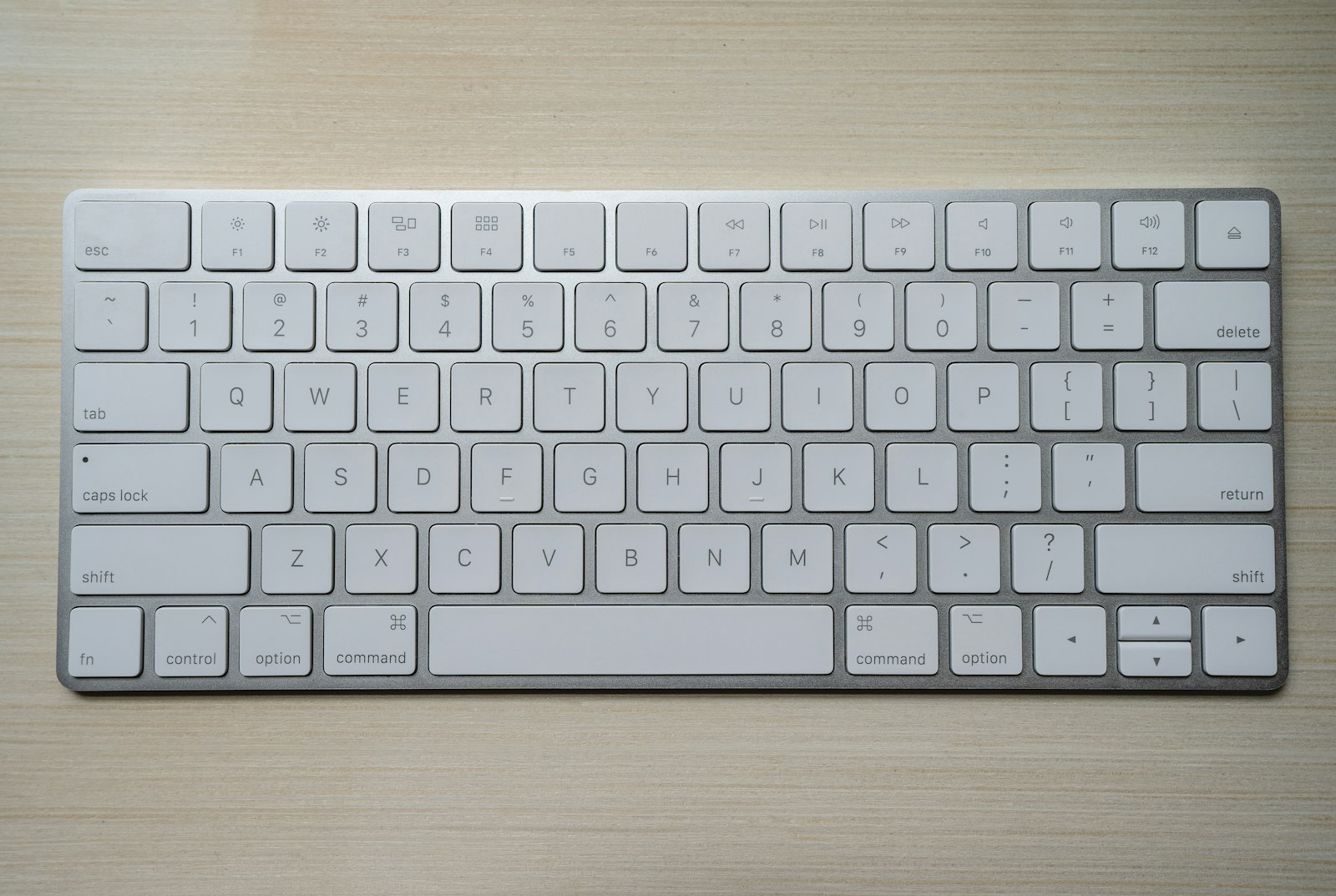
Not all membrane keyboards are equal. Higher-end membrane (called scissor-switch or rubber dome over PCB) is closer to mechanical than to budget membrane in feel. Apple Magic Keyboards, the Logitech MX Keys, and the keyboards built into premium laptops are all scissor-switch. They are quieter than mechanical, lighter than mechanical, and last longer than budget membrane.
The MX Keys in particular is the keyboard that puts the "you need mechanical" argument under the most pressure for office work. It is fast, quiet, low-profile, and connects via Bluetooth to multiple devices. For specific picks, see Best Keyboards for Home Office.
The Honest Decision Framework
- You type fewer than 10,000 words per week and share a workspace: Stay membrane. A Logitech MX Keys or similar gets you 90% of mechanical's benefit at a fraction of the noise.
- You type 20,000+ words per week and have a private office: Go mechanical with brown switches. The speed gain pays for the keyboard within a year.
- You take video calls more than two hours a day: Stay membrane or get a mechanical with linear switches and sound-dampening foam.
- You enjoy the hobby aspect of customizing gear: Mechanical, hot-swap variant. Pick switches by feel after testing samples.
- You have hand/wrist issues: Try the ergonomic split keyboards (Microsoft Ergonomic, ZSA Moonlander) before deciding between mechanical and membrane.
What Most People Get Wrong
The mistake is treating "mechanical" as a single category. A $80 Keychron with brown switches and a $300 custom build with the same switches do not feel similar — the case, plate, stabilizers, and keycap material change the experience more than the switch itself does.
For a first mechanical, buy a board with hot-swappable switches. You will discover within three months whether you actually prefer tactile, linear, or something more niche, and the hot-swap lets you change without buying a new keyboard.
Frequently Asked Questions
Will my coworkers hear my mechanical keyboard on calls?
Yes, unless you have linear switches, a sound-dampened case, and good microphone noise suppression. Most modern conferencing software (Zoom, Teams, Meet) has keyboard-noise suppression enabled by default in 2026, which helps. But clicky switches will still come through.
Are mechanical keyboards better for typing speed?
For typists who already type fast (80+ WPM), yes — usually a 5–15% speed gain after adaptation. For slower typists, the gain is much smaller. Speed is mostly a function of practice, not equipment.
Do mechanical keyboards actually last longer?
Yes, by a wide margin. Cherry-style mechanical switches are rated for 50–100 million keystrokes. Membrane keyboards typically fail at 5–10 million. For a daily-use keyboard, mechanical lasts 8–15 years vs 2–5 years for membrane.
What is the quietest mechanical switch?
Cherry MX Silent Red and Gateron Silent Brown are designed to be near-silent. They are still louder than membrane but quiet enough for shared offices. Add sound-dampening foam under the keycaps for further reduction.
The Bottom Line
If you write code or articles for a living, mechanical with brown switches is worth the money and the slight noise penalty. If you live in customer service, sales calls, or shared spaces, a premium membrane like the MX Keys is the right answer. The worst choice is the $20 generic membrane that came in the box. That one is making your hands work harder than they need to.