Disclosure: We earn a commission on purchases made through links on this page, at no extra cost to you. Learn more.
By 4 p.m., the headache starts. It is a low, dull pressure behind your eyes that you have learned to associate with "the end of the workday." You blame screens, or screen time, or the fact that you sat down at 8 a.m. and barely moved. The actual cause might be sitting on your ceiling.
Home office lighting is the most-underrated cause of eye strain, late-day fatigue, and the headaches that office workers blame on everything except their lights. Fixing it costs less than fixing the rest of your setup combined, and the difference is noticeable within a week.
What Eye Strain Actually Is
Eye strain is not damage. Your eyes do not get worse from staring at screens. What happens is fatigue in the small muscles that focus your eyes and the small muscles that blink. Both work harder when there is a brightness mismatch between your screen and the room around it.
The two biggest contributors:
- Bright screen in a dim room. Your pupils dilate for the room and constrict for the screen, dozens of times per minute. After eight hours, those muscles are tired. That tiredness reads as eye strain.
- Glare on the screen. Reflected light from windows or overhead lighting on your monitor surface forces your eyes to compete with two light sources at once. The brain solves this by working harder.
The Three Lighting Mistakes Almost Every Home Office Makes
Mistake 1: One overhead light
The overhead light in most rooms is a single ceiling fixture, often a fan light or a builder-grade flush mount. It throws light from directly above, which casts shadows down your face during video calls and creates glare on your monitor. It also lights the whole room evenly, which sounds good but is the opposite of what your eyes want.
Fix: turn the overhead off during work hours and use two or three smaller, lower light sources around the room.
Mistake 2: Window behind the monitor
You set up your desk facing the window for the view. Now the window is a giant bright object directly in your peripheral vision, your camera silhouettes you on calls, and your screen looks washed out for half the day.
Fix: rotate the desk 90 degrees so the window is to your side. The light enters the room laterally, which is the most flattering angle for both your eyes and your video calls.
Mistake 3: Cool white "daylight" bulbs all day
Cool-white LED bulbs (5000K–6500K) are great for morning focus. They are bad for late afternoon, when your body is starting to wind down toward evening melatonin production. Working under 6500K bulbs at 6 p.m. signals "it is high noon" to your circadian rhythm. This is part of why you cannot sleep until 1 a.m.
Fix: use color-temperature-adjustable lighting that shifts from cool (5000K) in the morning to warm (2700K–3000K) by late afternoon. Most modern desk lamps with smart features handle this automatically.
The Three-Layer Lighting Setup
The professional version of home-office lighting uses three layers, each doing one job:
Layer 1: Ambient light
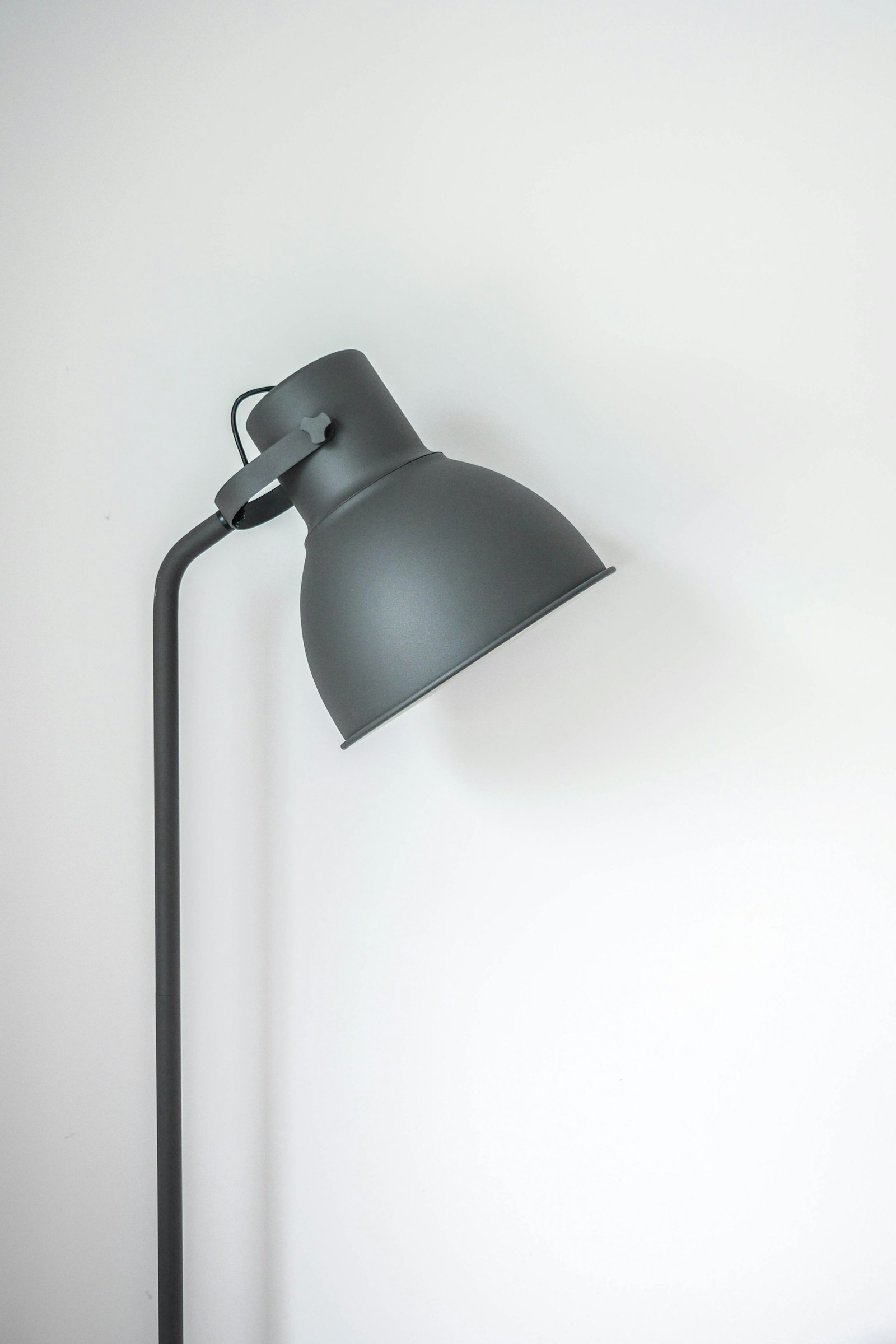
Soft, indirect lighting that fills the room at a brightness similar to your monitor. A floor lamp pointed at a wall or ceiling, or a tall corner lamp with a diffuser shade. The goal is to eliminate the bright-screen-in-dark-room problem.
Layer 2: Task light
A focused desk lamp that lights your work surface — paper, keyboard, anything off-screen. Position it on the side opposite your writing hand (left side for right-handers) to avoid shadow on your work. The light should never shine directly on the monitor.
Layer 3: Bias light
A light behind your monitor that washes the wall with a soft glow at similar brightness to the screen. This is the single most-effective eye-strain reducer per dollar. A $20 USB-powered LED strip behind your monitor does the job, but a monitor light bar that clips on the top of the screen does it better.
For specific lamp picks across budgets, see Best Desk Lamps for Home Office.
Color Temperature Through the Day
If you can only do one thing for circadian rhythm, shift your lighting warmer as the day goes on. A rough schedule:
- 8 a.m. – 12 p.m.: 4500K–5500K (neutral to cool). Promotes alertness during deep-focus hours.
- 12 p.m. – 4 p.m.: 4000K–4500K (neutral). Comfortable for sustained work without overstimulating.
- 4 p.m. – 7 p.m.: 3000K–3500K (warm). Lets your body start the wind-down before sunset.
- After 7 p.m.: 2700K–3000K (warm). No screens or warm-only lighting if you want to sleep before 11.
Brightness Levels That Matter
For a typical home office, the rough target is 500 lumens of ambient light + 300–500 lumens of task light. Most overhead fixtures put out 800–1200 lumens, which is too much when concentrated in one spot. Two or three smaller sources at 300–500 lumens each gets the same total brightness with no glare and softer shadows.
What Helps the Most for the Money
If you fix one thing this week:
- $15 — USB LED strip behind monitor. Bias lighting. Biggest eye-strain reduction per dollar spent.
- $50 — Adjustable color temperature desk lamp. Replaces the overhead light as your primary work light. See our desk lamp picks.
- $100 — Monitor light bar. Combines bias light and task light in one device. Lights your work surface and the wall behind the monitor.
Frequently Asked Questions
Are blue-light glasses worth it?
Mostly not. Recent studies show no measurable benefit for eye strain. The real fix is the brightness mismatch between screen and room, which glasses cannot solve. Save the money and put it toward lighting.
Should I use dark mode to reduce eye strain?
Dark mode helps if your room is dim, because the screen no longer outshines the room. Dark mode in a bright room or a sunlit office can make text harder to read and increase eye fatigue. The right setting depends on your lighting, not the time of day.
How bright should my monitor be?
Match it to the room. Hold a white piece of paper next to the screen — they should look similar in brightness. Most office monitors are too bright by default, which is why eyes feel tired by 4 p.m.
Do smart bulbs really make a difference?
Yes, primarily because they make you actually adjust your lighting through the day. A non-adjustable lamp stays at one setting forever. A smart bulb on a schedule automatically warms in the afternoon and brightens in the morning — most of the eye-strain benefit comes from this consistency.
The Bottom Line
The 4 p.m. headache is fixable. Get a bias light behind your monitor, replace the overhead with two smaller side lights, and shift your color temperature warmer as the afternoon progresses. The total cost is under $150 and the impact on how you feel at the end of the workday is bigger than any other upgrade in your home office.